



How to Make Your iPhone Battery Last Longer
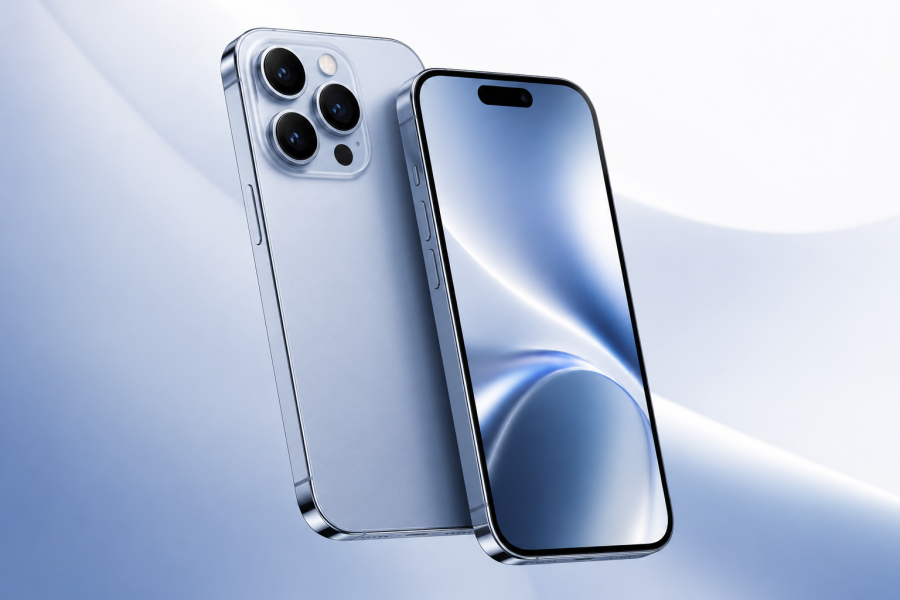
Your iPhone battery is one of the most important parts of your daily mobile experience. Whether you use your iPhone for calls, work, social media, gaming, or photography, good battery habits can help improve daily performance and long-term battery health.
Start by keeping your iPhone updated to the latest iOS version. Software updates often include performance and battery improvements. You can also reduce screen brightness, enable Auto-Brightness, and use Low Power Mode when your battery is running low.
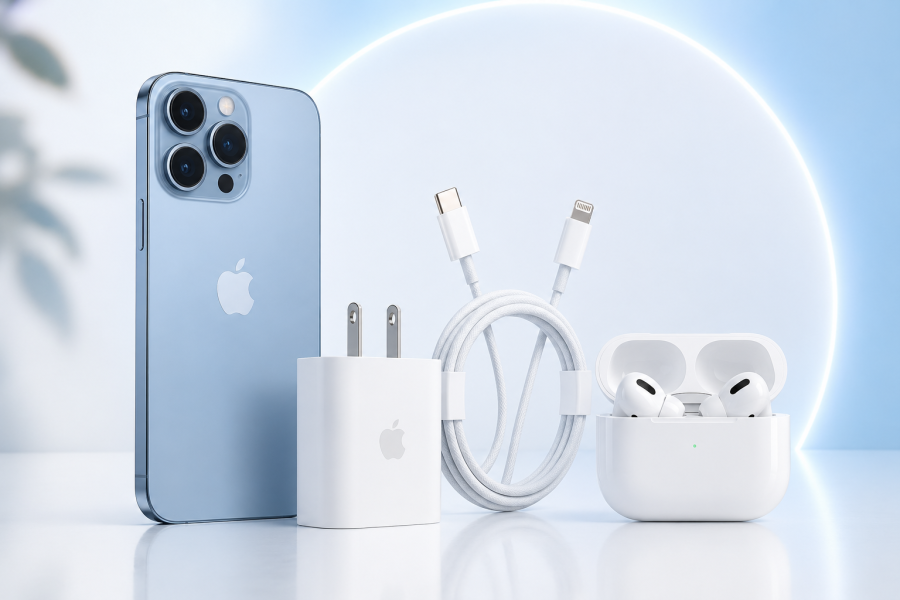
Another useful tip is to avoid exposing your iPhone to very high temperatures. Heat can affect battery health over time, especially while charging or using heavy apps. Try to use original or trusted chargers and cables, and avoid using low-quality charging accessories.
You can also check battery health from your iPhone settings. Go to Settings > Battery > Battery Health & Charging to see your battery condition and charging options.
At Leader Plus, we help customers choose the right iPhone, charger, cable, power bank, and accessories to keep their devices working smoothly every day.
Share :
Recent Posts
iOS 26 Brings a New iPhone Experience
05-07-2026 01:05 PM

AirPods Pro 3: A New Apple Audio Experience
05-07-2026 01:01 PM